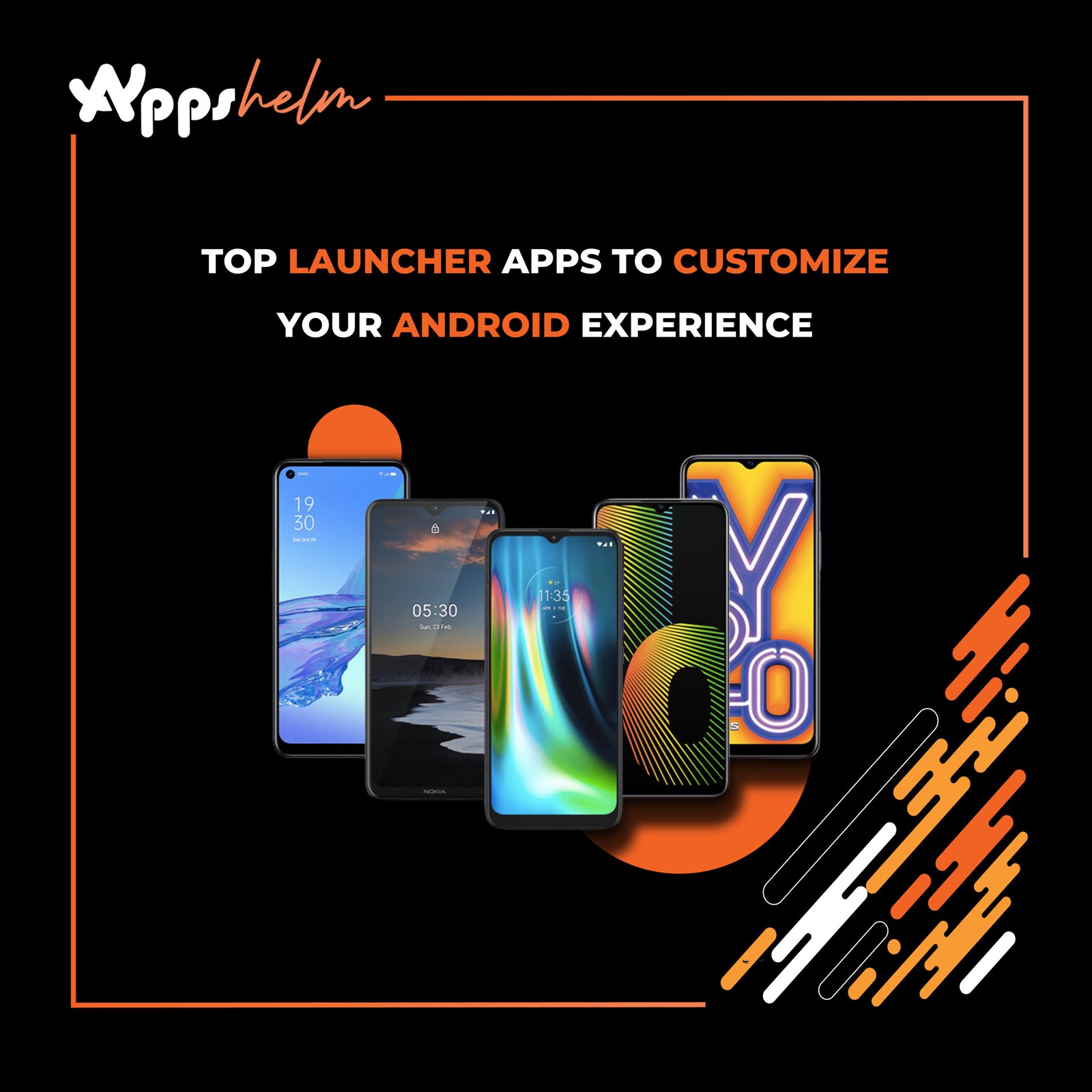
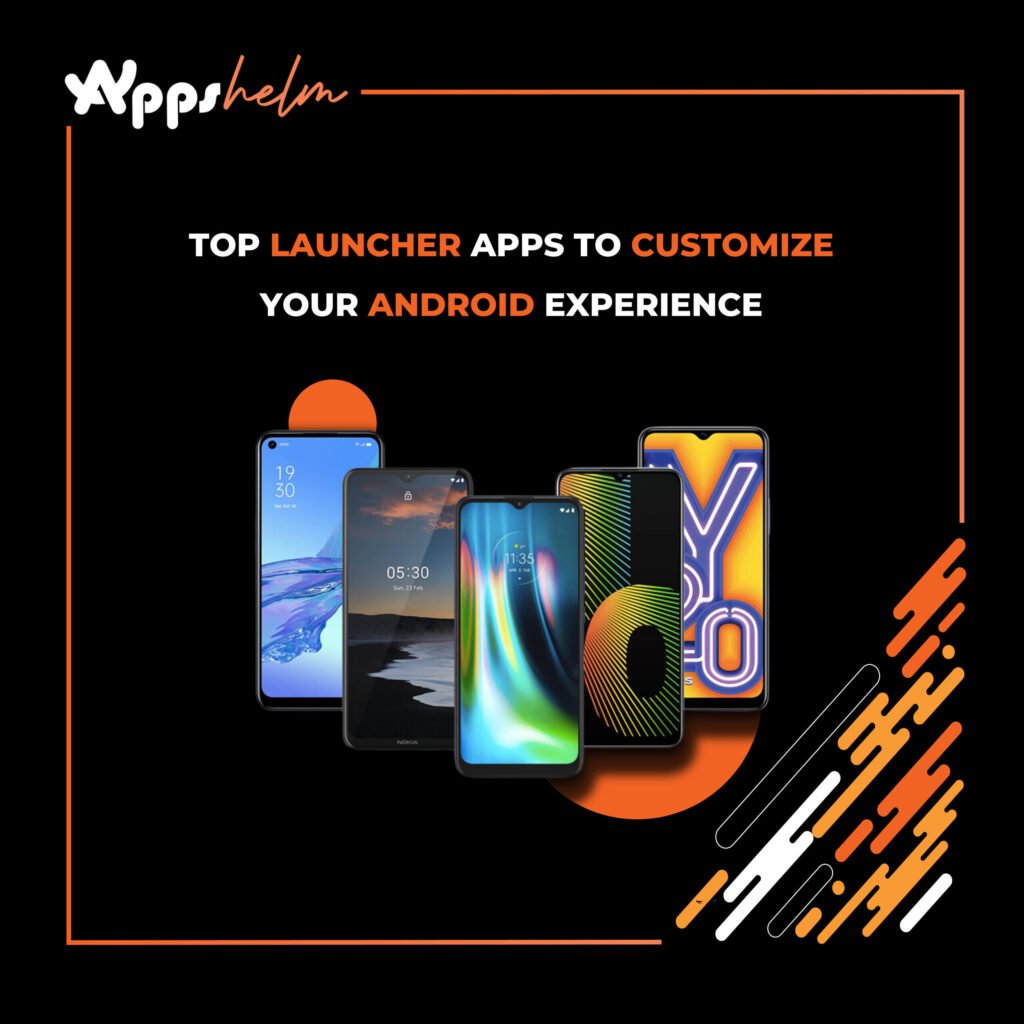
The ability to personalize your device is one of the defining features of the Android ecosystem. Unlike iOS, Android offers unparalleled flexibility, allowing users to customize their home screens, widgets, and overall interface with the help of launcher apps. These launchers not only enhance functionality but also breathe new life into your smartphone’s look and feel. Here are some of the top launcher apps to customize your Android experience.
1. Nova Launcher
Nova Launcher is a veteran in the Android customization world. Known for its balance of power and simplicity, it offers a vast array of features without compromising performance. You can:
- Customize your app drawer’s layout and animations.
- Create custom grid sizes for your home screen.
- Enable gesture controls for quick navigation.
- Backup and restore settings to replicate setups on multiple devices.
With Nova Launcher Prime, you unlock additional features like custom swipe actions, unread badge counts, and more. Its lightweight nature ensures your device remains snappy while providing endless customization options.
2. Microsoft Launcher
Microsoft Launcher is perfect for users who want to integrate their Android devices with Microsoft services. It’s designed for productivity, featuring:
- A personalized feed with calendar events, tasks, and news.
- Easy integration with Microsoft To Do, Outlook, and OneDrive.
- Customizable icons, themes, and widgets.
The app supports a seamless cross-device experience, making it ideal for professionals who rely on Microsoft’s ecosystem.
3. Lawnchair 2
For those who love the look and feel of Google’s Pixel devices, Lawnchair 2 offers a near-stock Android experience with added customization options. This open-source launcher includes:
- Google Feed integration.
- Adaptive icon support.
- Customizable dock, folder, and grid settings.
- Support for third-party icon packs.
Its clean interface and lightweight design make it a favorite among minimalists who want more control over their home screen.
4. Smart Launcher 6
Smart Launcher 6 focuses on efficiency and organization. Its standout feature is the automatic app categorization, which organizes apps into folders based on their type. Additional highlights include:
- An intuitive, modular home screen.
- Ambient themes that adjust colors based on your wallpaper.
- Gestures and shortcuts for quicker navigation.
- Integrated search bar for apps, contacts, and web content.
This launcher is ideal for users who want a smart, hassle-free experience.
5. Action Launcher
Action Launcher combines customization and functionality, offering features designed to make your device uniquely yours. Its signature Quicktheme automatically extracts colors from your wallpaper to create a cohesive look. Other features include:
- Covers and Shutters for quick app and widget access.
- Adaptive icon support and icon pack integration.
- A powerful search feature for apps, contacts, and settings.
Action Launcher’s balance of innovation and practicality makes it a solid choice for users who crave personalization.
6. Niagara Launcher
Niagara Launcher is a minimalist’s dream. Its unique design prioritizes simplicity and one-handed use. Features include:
- A vertically scrolling list of apps.
- Distraction-free interface with no app drawer.
- Notification previews directly on the home screen.
- Lightweight design for fast performance.
This launcher is perfect for users who prefer an uncluttered, functional layout.
7. Hyperion Launcher
Hyperion Launcher bridges the gap between simplicity and customization. It offers:
- A plethora of theme options, including accent colors and icon shapes.
- Extensive gesture support.
- Adaptive icons and third-party icon pack compatibility.
- Customizable dock and app drawer.
Hyperion’s attention to detail and smooth performance make it a compelling choice for power users and casual customizers alike.
8. AIO Launcher
AIO Launcher stands out with its unique design, which replaces traditional icons and grids with a text-based interface. Key features include:
- A single screen displaying weather, notifications, tasks, and more.
- Integrated search for apps and contacts.
- Advanced features like terminal commands and RSS feed support.
While not for everyone, AIO Launcher appeals to users seeking a highly functional, data-driven interface.
9. POCO Launcher 2.0
Developed by Xiaomi, POCO Launcher 2.0 delivers a clean, minimalistic experience with practical features such as:
- An app drawer with category-based organization.
- Customizable home screen layouts.
- Support for icon packs and dark mode.
Its lightweight nature makes it suitable for both budget and high-end devices.
10. Apex Launcher
Apex Launcher is another veteran in the Android launcher space. Known for its versatility, it offers:
- Customizable home screen grid sizes and scrolling options.
- Transition effects and advanced gesture controls.
- App locking for added security.
- Support for themes and icon packs.
Its blend of aesthetics and utility ensures a highly personalized experience.
Conclusion
Launcher apps allow Android users to reimagine their devices, tailoring them to personal preferences and needs. Whether you prefer minimalism, advanced functionality, or a mix of both, there’s a launcher app for you. Experiment with these top launchers to transform your Android experience and make your device truly your own.