
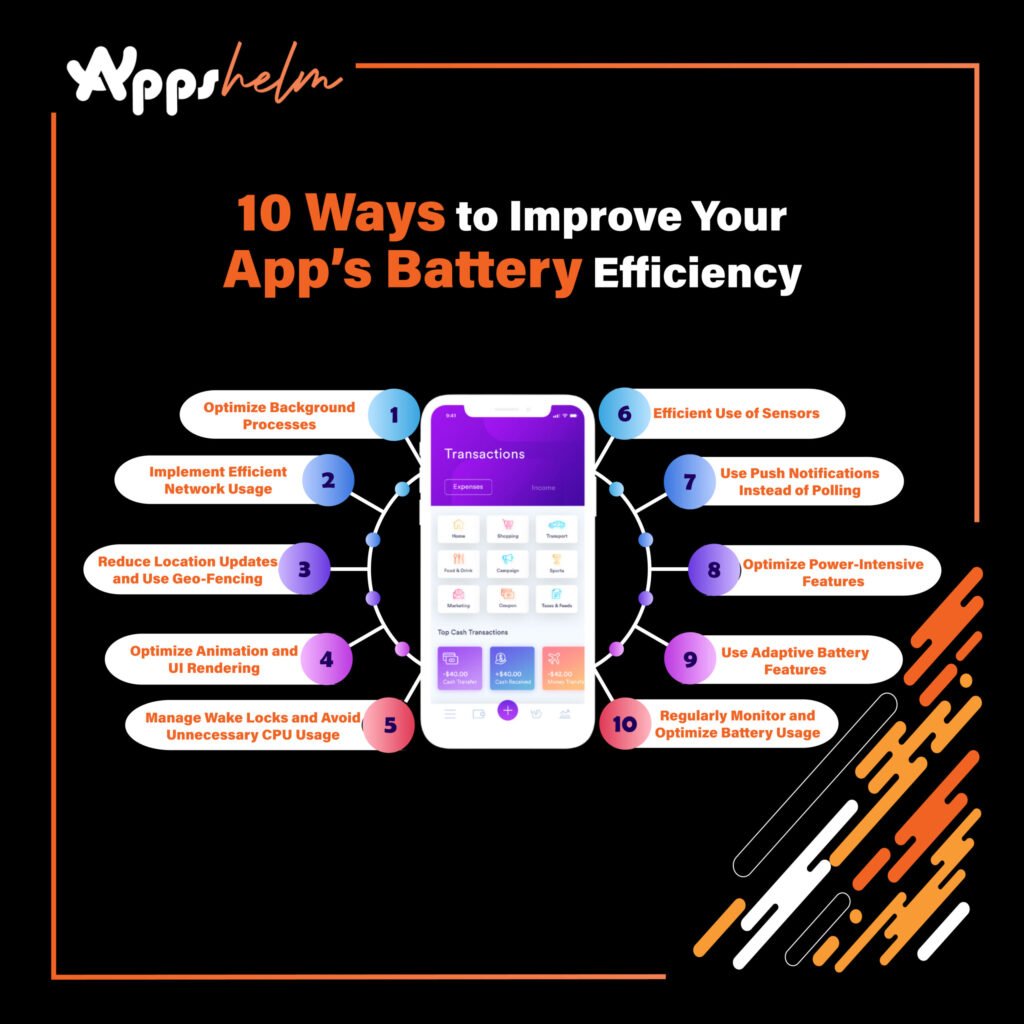
Battery efficiency is a critical aspect of any mobile application. Users are quick to notice when an app drains their device’s battery, and this can significantly impact the app’s retention and ratings. With increasing competition and user expectations, optimizing battery usage is essential for app developers looking to create high-quality, user-friendly applications. In this article, we’ll explore 10 practical strategies to improve your app’s battery efficiency, ensuring a smoother experience for your users.
1. Optimize Background Processes
One of the most common reasons for excessive battery usage is background processes that continuously run even when the app is not in active use. Reducing or optimizing these background operations is key to conserving battery life. Techniques to achieve this include:
- Using background scheduling techniques like JobScheduler (Android) or BackgroundTasks (iOS) to handle non-urgent tasks.
- Limiting background services or transitioning to WorkManager (Android) for managing deferrable background jobs.
- Implementing smart algorithms to decide when and if background tasks should run based on user activity.
By minimizing unnecessary background processing, you reduce battery consumption and ensure the app is only active when it needs to be.
2. Implement Efficient Network Usage
Network operations, especially data transfers, are some of the biggest culprits behind battery drain. Consider optimizing network requests to minimize battery usage:
- Use batching to combine multiple network requests into a single one, reducing the number of times the device has to establish a connection.
- Cache frequently accessed data locally to avoid redundant network calls.
- Implement progressive loading so that resources like images or videos load in chunks rather than all at once.
- Consider using HTTP/2 for more efficient data transfer.
Reducing the number of network requests and optimizing how data is transferred can significantly improve the app’s overall efficiency.
3. Reduce Location Updates and Use Geo-Fencing
Location services are notorious for consuming high levels of battery. Using continuous GPS tracking can quickly drain a device’s battery, especially if the app requires frequent updates.
To optimize battery consumption, try the following:
- Use geo-fencing instead of continuous GPS updates to trigger location-based actions.
- Switch to low-power location providers (such as Wi-Fi or cell tower triangulation) when high accuracy isn’t necessary.
- Use passive location listeners to receive updates only when other apps or system services request location updates.
Implementing these practices will minimize the power drain associated with location tracking while maintaining essential functionality.
4. Manage Wake Locks and Avoid Unnecessary CPU Usage
A wake lock is a mechanism that prevents the device’s CPU from entering a sleep state. While wake locks are sometimes necessary, misusing them can lead to excessive battery drain.
- Use partial wake locks only when absolutely required and ensure they are released promptly.
- Avoid wake locks for tasks that don’t require constant CPU attention.
- Use JobScheduler and AlarmManager to schedule tasks that can run when the CPU is already awake.
Properly managing wake locks will help ensure that your app doesn’t unnecessarily keep the CPU running, which conserves battery life.
5. Optimize Animation and UI Rendering
Smooth animations and visually appealing UI elements are great for user experience, but they can also be a drain on the battery if not implemented correctly. Techniques for optimizing UI rendering include:
- Limiting the use of complex animations and keeping frame rates balanced.
- Avoiding heavy graphics processing, such as continuous rendering of 3D objects or complex image manipulations.
- Using hardware acceleration where possible to offload rendering to the GPU.
Optimizing the app’s UI and animations ensures that the device doesn’t expend more energy than necessary to display the user interface.
6. Efficient Use of Sensors
Modern smartphones come with various sensors, such as accelerometers, gyroscopes, and proximity sensors, which can enhance app functionality. However, these sensors can also quickly consume battery power if used incorrectly.
- Avoid keeping sensors active for long periods.
- Use sensor batching to reduce the number of times sensor data is sent to the app.
- Implement event-based triggers instead of continuous monitoring.
Managing sensor activity carefully can prevent unnecessary energy drain, particularly in apps that rely heavily on motion or environmental data.
7. Use Push Notifications Instead of Polling
Polling is the process of repeatedly checking a server for new information, which is highly inefficient. Replacing polling with push notifications can dramatically reduce the frequency of network activity and conserve battery life.
- Implement silent push notifications to trigger data updates only when necessary.
- Use Firebase Cloud Messaging (FCM) for Android or Apple Push Notification Service (APNs) for iOS for delivering lightweight notifications.
- Avoid frequent polling by setting appropriate update intervals.
Push notifications ensure that the app only wakes up when there’s new information to display, saving significant amounts of battery power.
8. Optimize Power-Intensive Features
Power-intensive features like video playback, voice recognition, or image processing can quickly drain battery life. Optimize these features by:
- Implementing power-saving modes for heavy features (e.g., lowering frame rates during video playback).
- Compressing images and videos to reduce processing time.
- Offloading complex processing tasks to the server, where applicable.
Balancing feature performance with power consumption will prevent these capabilities from being a drain on the user’s battery.
9. Use Adaptive Battery Features
Both Android and iOS have introduced adaptive battery features designed to identify and limit power-hungry apps. Developers should leverage these system-level optimizations:
- For Android, use the App Standby Buckets API to inform the system of the app’s battery priorities.
- Implement iOS’s Background Fetch and Background Refresh mechanisms to reduce battery impact.
- Use Doze Mode and App Standby to manage how often your app runs in the background.
Integrating these features ensures that the operating system can intelligently manage the app’s battery usage.
10. Regularly Monitor and Optimize Battery Usage
Finally, regularly analyzing your app’s battery consumption is crucial for identifying areas that need improvement. Use built-in tools like:
- Android Studio Profiler and Xcode’s Energy Log to measure battery usage and optimize accordingly.
- Employ analytics and crash-reporting tools to identify performance issues and excessive battery drain.
- Gather user feedback to understand real-world performance and make adjustments.
Regular monitoring and optimization will help ensure that your app remains battery-efficient as new updates and features are introduced.
Conclusion
Improving your app’s battery efficiency requires a multi-faceted approach, from managing background processes to optimizing UI animations and leveraging system-level features. By implementing these 10 strategies, you can create an app that not only delivers excellent performance but also conserves energy, providing a better experience for your users and boosting your app’s overall reputation. With a focus on battery efficiency, your app can stand out in a competitive market where performance and user satisfaction are paramount.